Admin Panel
The admin core is the backbone — it handles everything your apps need so they don't have to. Authentication, user management, email delivery, push notifications, branding, and database migrations all live here.
Dashboard
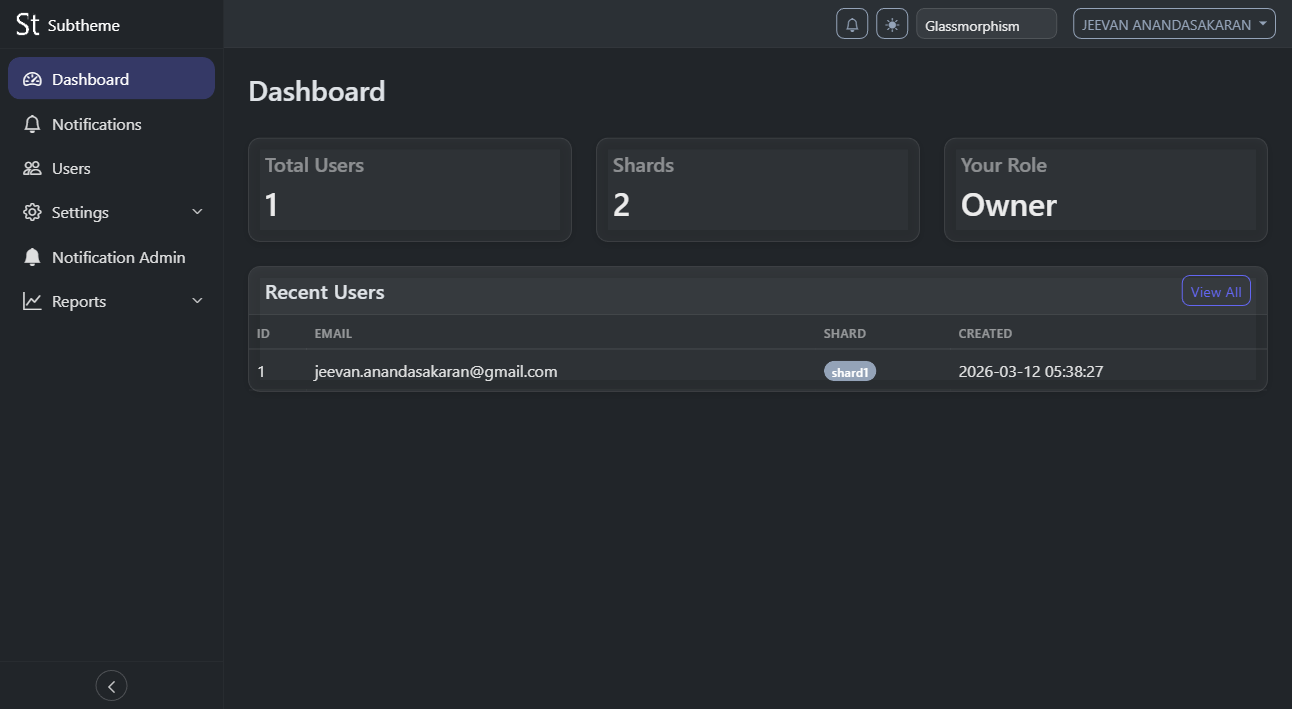
The admin dashboard shows user counts across shards, recent registration activity, and system health at a glance. Charts show acquisition trends, retention rates, and growth forecasts.
User Management
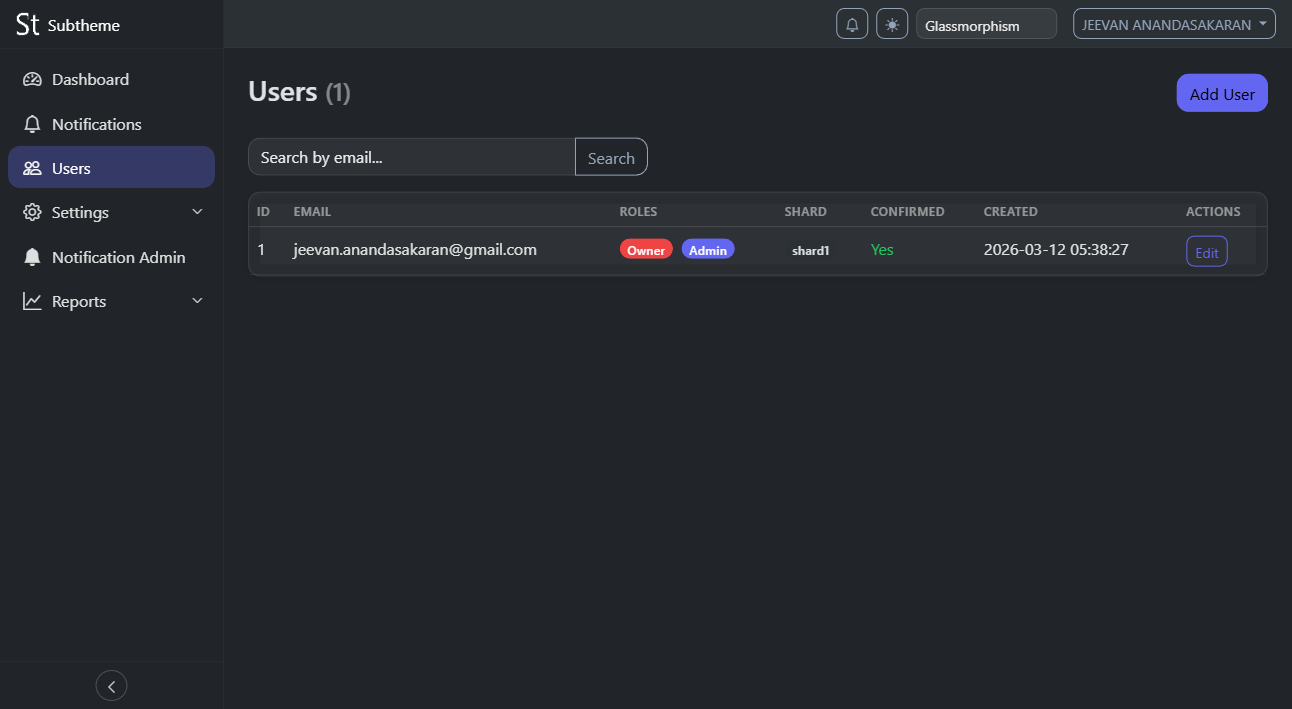
Search, view, create, edit, and delete users across all shards. See which shard each user lives on, their role (admin, owner, manager, employee), OAuth connections, device history, and last login. Supports bulk operations and CSV export.
Settings
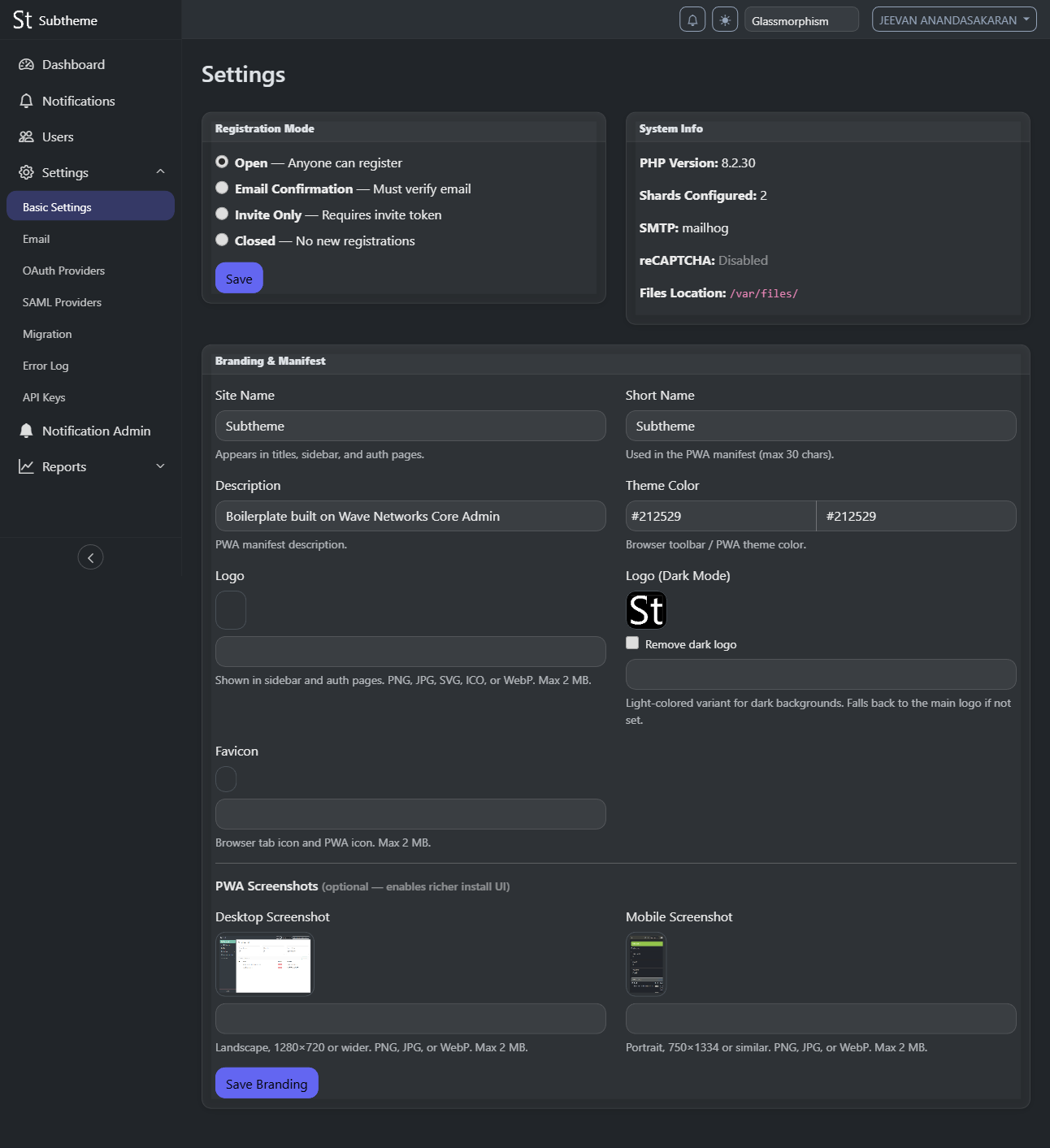
Configure registration mode (open, invite-only, closed), reCAPTCHA, branding (site name, logo, dark logo, favicon, theme color), and PWA manifest settings. Upload logos and favicons directly — PWA icons are auto-generated.
- OAuth Providers — Add Google, GitHub, and Facebook login with client ID/secret pairs
- SAML Providers — Configure institutional SSO with metadata URL, entity ID, and certificate
- Migration — Parallel auth migration from external databases with transparent password rehash
Email System

SMTP configuration, throttle limits (per-minute, per-hour, per-day), allowed sender addresses, and a full queue log showing sent, pending, and failed messages with error details. Child apps call queue_email() and the admin cron handles delivery.
Notifications
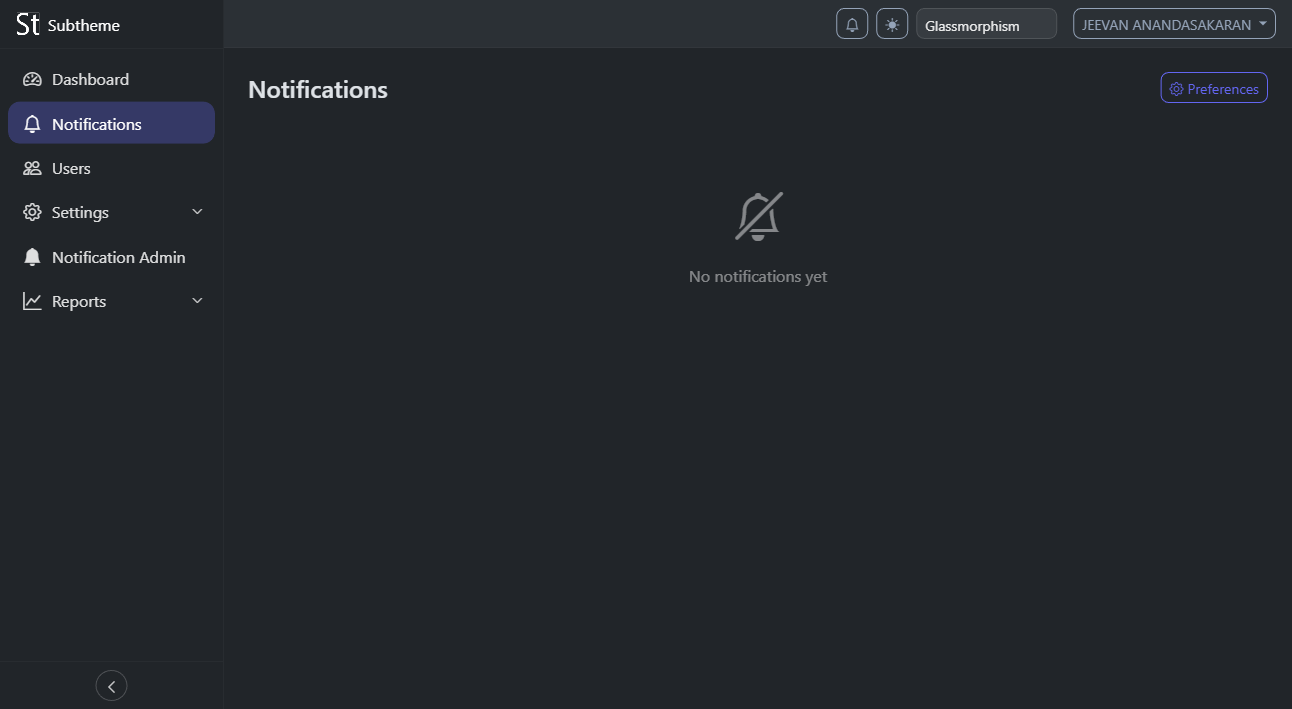
Manage notification categories, send broadcasts to all users, and view delivery stats. Users control their own preferences per category (realtime, daily, weekly, off) and toggle Web Push from the notification panel.
Auth Pages

Branded login, registration, password reset, email confirmation, two-factor TOTP entry, and OAuth/SAML callback pages. All auth pages automatically use the branding configured in settings (logo, site name, theme color). Child apps get branded auth pages for free by including the admin bootstrap.